
Welcome!
In Design, Draw and Computer-Aided Design we explore design opportunities, drafting standards conventions and terminology with both paper drafting and computer-aided design software (CAD).
Design Draw
Included in you Design Portfolio:
- Rapid drawing
- Single point perspective
- Double point perspective
- Hyper realistic inorganic
- Orthographic Drawing with a border and title box
- Hidden line drafting
- Orthographic with Isometric projection
- Hyper realistic organic object with introduction to HB to 8HB pencils
Computer-Aided Design
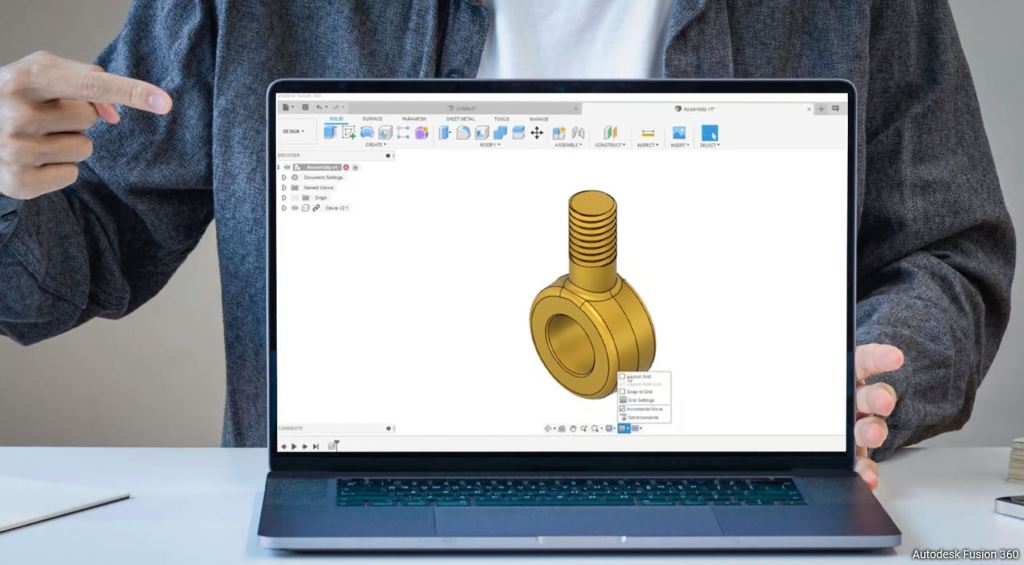
Using digital design software
Log on to:
https://www.tinkercad.com/joinclass/VDHIZJ9G6
Create a keychain. Design must Include: combined two objects (Boolean), create a hole, add a letter, rename the file, export as an stl. file.
Load your stl. file into CHITUBOX. Arrange, support and slice your keychain for 3D printing.
AutoCAD
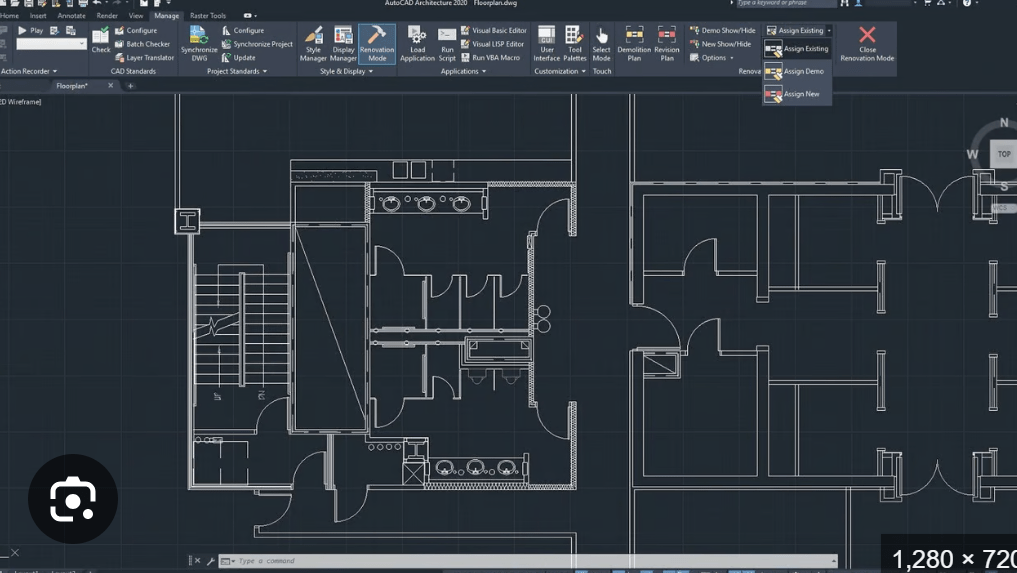
Talk to your teacher to get access to AutoCAD. This project is worth 25% of your final grade and is due May 3rd.
Design your your perfect classroom(or talk to your teacher about other options like a kitchen or cabin or shop). Your design should include examples of the following functions:
Array, Copy, Mirror, Fillet, Chamfer, Trim, Offset, Rotate, and different layers. Layout 1 should include a Title Block.
Print/Plot a PDF file on Layout 1, and submit it using the following link:
Design Applications

Applying digital designs for project based learning
Inquiry Project
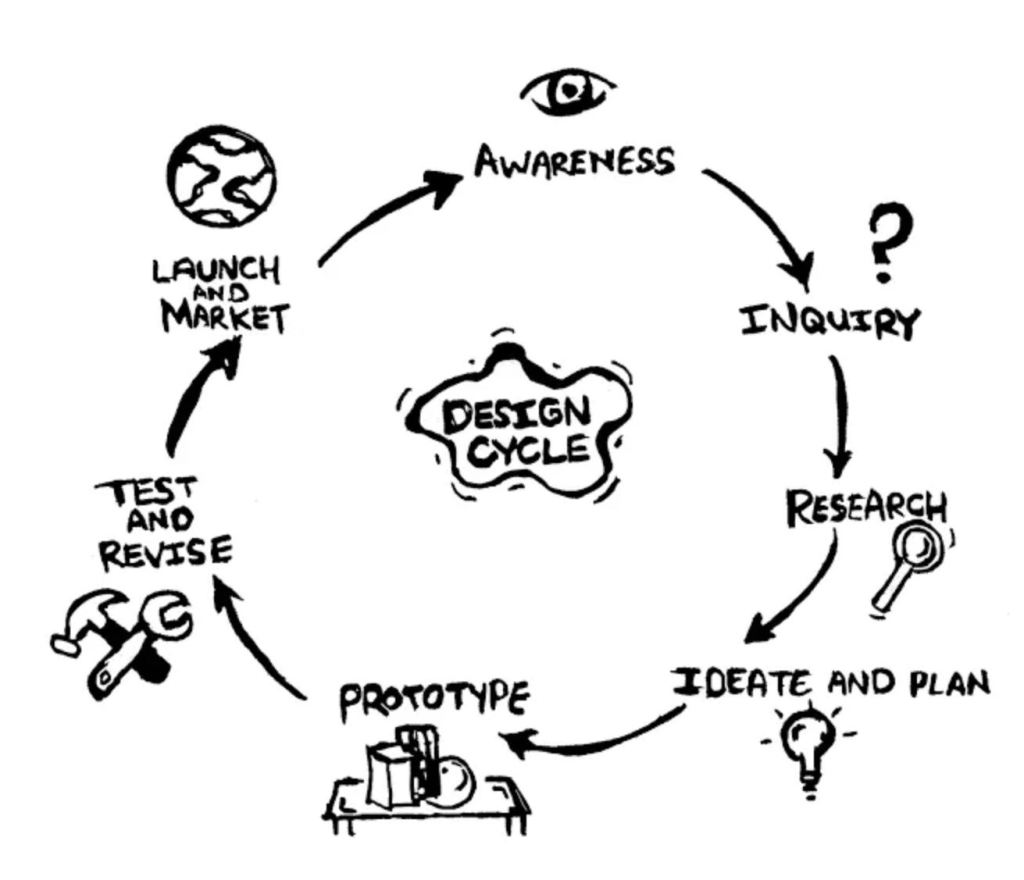
Explore, expand and develop Design Draw and Computer-Aided Designs
Vex Robotics Competition WIN!
Congratulations to all the competitors today. Our robotics team was able to secure a win against the D.P. Todd Trojans Robotics team 13 – 10! Well done everyone.

Iron Chef Cooking Competition
What an amazing event! All students showcased some delicious cooking skills. Congratulations to everyone, and to our new Iron Chef, R.
Robotics Race Results
Congratulations to all the competitors. Everyone created a unique design, and had a great time doing it. K, L, and S’s team swept 3/3 races, though it was VERY close.
 Leitch Tech